Hyvä has introduced a new Hyvä Certified Professional Developer exam, expanding the certification path that started with the Hyvä Associate level. This is a big step for frontend developers who live in the Magento and Hyvä world and want an official way to prove they can build fast, robust, and modern storefronts.
In this blog post, we will cover:
- What the Hyvä certification program looks like today
- How the new Professional exam differs from the Associate level
- Practical tips from Magebit developers who have already passed the exam
- How to prepare efficiently, including where to find official study guides
- Magebit’s vision and track record with Hyvä
- How our Venta Theme builds on Hyvä to go even further
- Useful links and a short FAQ
Hyvä Certification Program in a Nutshell
From Associate to Professional
Hyvä’s certification program now has two levels:
- Hyvä Certified Associate Developer
- Focus on fundamentals
- Validates that you understand Hyvä basics, Magento frontend concepts, Tailwind CSS, and Alpine.js
- Can be taken with limited real project experience, as long as you study the docs and examples
- Hyvä Certified Professional Developer
- Aimed at experienced Hyvä and Magento frontend developers
- Expects hands-on project work with Hyvä plus solid knowledge of performance, Core Web Vitals, and the wider Hyvä ecosystem
Associate vs Professional: quick comparison
What Is New in the Hyvä Professional Exam?
Compared to the Associate exam, the Professional certification goes much deeper into day-to-day Hyvä work. Expect questions around
Advanced theming and customization
- Understanding Hyvä theme architecture
- Creating and extending components with Alpine.js
- Working with Tailwind configuration and utility classes
- Clean overrides and customizations that stay maintainable
Performance and Core Web Vitals
Hyvä is all about speed, and the exam reflects that. Topics include:
- Largest Contentful Paint (LCP), Interaction to Next Paint (INP), and other Core Web Vitals
- How frontend choices impact CWV scores
- Asset loading, caching, and rendering strategies in Hyvä
- How Hyvä’s architecture helps you reach green CWV scores
Hyvä vs Luma and compatibility
- How Hyvä replaces the traditional Knockout-based Luma stack with Alpine.js
- Differences in layout XML, blocks, templates, and view models
- Hyvä Compatibility Modules when you need them and how they work
Hyvä ecosystem coverage
- Hyvä Checkout basics and positioning
- Hyvä UI library concepts
- Hyvä Admin and other ecosystem tools
Question style
- Many questions are scenario-based with longer descriptions
- Some topics appear more than once, phrased in slightly different ways
- Everything is based on official documentation and realistic use cases rather than trick questions
Exam Insights from Magebit Developers
Several Magebit developers were among the first to take and pass the Hyvä Certified Professional Developer exam, earning strong scores and making a strong impression. We have distilled their feedback into practical highlights and preparation tips.
Performance first - the exam is web performance-centric
Developers consistently described the exam as performance-heavy. You will see many questions around:
- Core Web Vitals, especially LCP and INP
- How layout, images, and scripts influence performance
- Caching, block rendering, and page speed strategies
If there is one theme to remember, it is this: think like a performance engineer, not only like a template builder.
Hands-on Hyvä work is essential, but not enough
Real project experience on Hyvä is a significant advantage, but our developers noticed that hands-on work alone does not cover everything. You also need to:
- Understand Core Web Vitals theory, not only “this site feels fast.”
- Know how Hyvä maps Knockout patterns to Alpine.js
- Be familiar with how Hyvä expects you to solve specific patterns, not just any solution that works.
So, even if you build Hyvä stores every day, plan time to read and re-read the docs in a focused way.
Documentation-driven preparation wins
One clear message from everyone who passed: There were no questions that were not covered somewhere in Hyvä documentation.
Our team members:
- Revisited the sections they previously struggled with on the Associate exam
- Carefully read chapters on compatibility modules, performance, and Web Vitals
- Used the documentation as the main preparation source
Some also created mock quizzes based on the docs, which helped a lot for recall under time pressure.
Exam strategy and mindset
- Questions can be wordy and sometimes a bit cryptic at first read
- Use the option to mark questions and return to them later
- Take advantage of the full-time budget
- Stay calm, keep a clear head, and avoid rushing.
The developers who did best treated the exam as an extended, concentrated reading and reasoning exercise rather than a sprint.
How to Prepare for the Hyvä Professional Exam
1. Start with the official Hyvä documentation
The Hyvä Docs are the single most important resource. Focus on:
- Getting started with Hyvä Themes
- Theme structure, layouts, and templates
- Tailwind configuration and best practices
- Alpine.js usage patterns and standard components
- Compatibility Modules documentation
- Hyvä Checkout and Hyvä UI overview pages
Keep a list of topics that feel less natural and revisit them until you are comfortable.
2. Use the official certification guides as a checklist
Hyvä provides exam overview and certification guide documents for both Associate and Professional levels. These are essential roadmaps that:
- Outline the structure of each exam: Detailed breakdowns of time limits (90 mins) and passing scores (70% for Associate, 67% for Professional).
- List key topic areas and knowledge requirements: They provide the exact weighting for every subject.
- Tip for the Associate Exam: Tailwind CSS & Hyvä (20%) and Alpine.js & JavaScript (18%) combined make up nearly 40% of your score.
- Tip for the Professional Exam: The heaviest weight is on Alpine.js & JavaScript (23%) and Hyvä Features (19%).
- Give a high-level view of what to expect: The guides include a couple of practice questions, so you can get a grasp of the question format.
Use these guides as a checklist. If there is a topic you cannot confidently explain to someone else, spend extra time on that area in the docs or in a demo project.
3. Combine the study with real project work
If possible, prepare inside a real or demo Hyvä project:
- Rebuild a problematic page with Hyvä, focusing on CWV
- Create or refactor a compatibility module
- Replace a Knockout-based pattern from Luma with a clean Alpine.js implementation
- Experiment with Tailwind customization and component reuse
This is the best way to make sure theory sticks.
4. Practice questions and mock quizzes
You will not find real exam questions online, but you can:
- Turn documentation sections into your own small quizzes
- Create short “case study” questions based on your projects
- Ask colleagues to challenge you with what-if scenarios
Some of our developers used AI to generate practice questions from the docs, then manually checked the answers. The goal is not to memorize exact wording, but to train in recognizing the best solution among several plausible ones.
5. Join the Hyvä community
Hyvä runs a private Slack community for customers and implementation partners, with dedicated channels for topics like certification, Alpine.js, and more. There you can:
- Ask high-level questions about preparation
- Read experiences from other developers who took the exam
- Discover blog posts, videos, and study tips shared by the community
You will not get direct exam answers there, but you will get context, clarity, and motivation.
Magebit and Hyvä: long-term vision and proof in real projects
At Magebit, we are all in on Hyvä. For the last years, every new Magento or Adobe Commerce storefront we build uses Hyvä as the frontend layer. We see it as the most balanced way to get high performance, developer happiness, and sustainable total cost of ownership for clients.

A few key facts about Magebit and Hyvä:
- Among the few agencies worldwide with Hyvä Platinum Partner status
- Around 30 Hyvä certified developers, including the new Professional level
- Over 200 Adobe Commerce and Magento certifications across the company
- Listed as the number one Adobe Commerce agency in the world on Adobe’s public partner directory
- More than 30 Hyvä-based projects delivered in recent years
Hyvä projects for global brands
Our Hyvä work includes projects for:
- Hydro Flask
- OXO
- Drybar
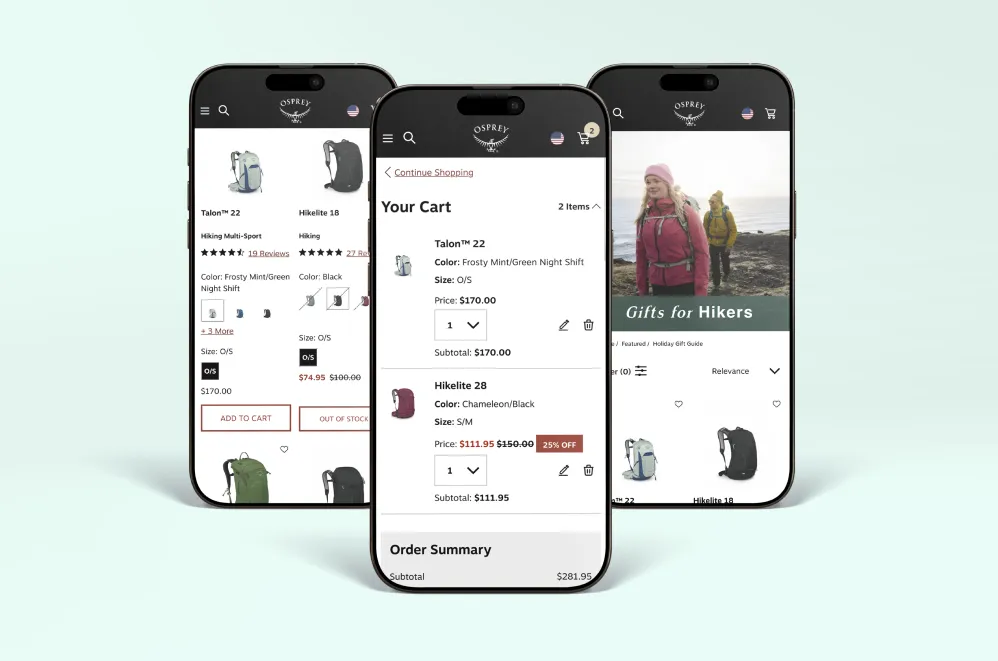
- Osprey
- Dunkin
- Stellantis
- And many more retailers and B2B brands in Europe, North America, and beyond
For these brands, we did not only “switch frontends”. We used Hyvä to:
- Improve Core Web Vitals and page speed
- Clean up legacy frontend complexity
- Make future changes cheaper and faster to ship
Hyvä has become the default choice in our architecture discussions unless there is a very special requirement that points in another direction.
Venta Theme: Hyvä, Supercharged by Magebit
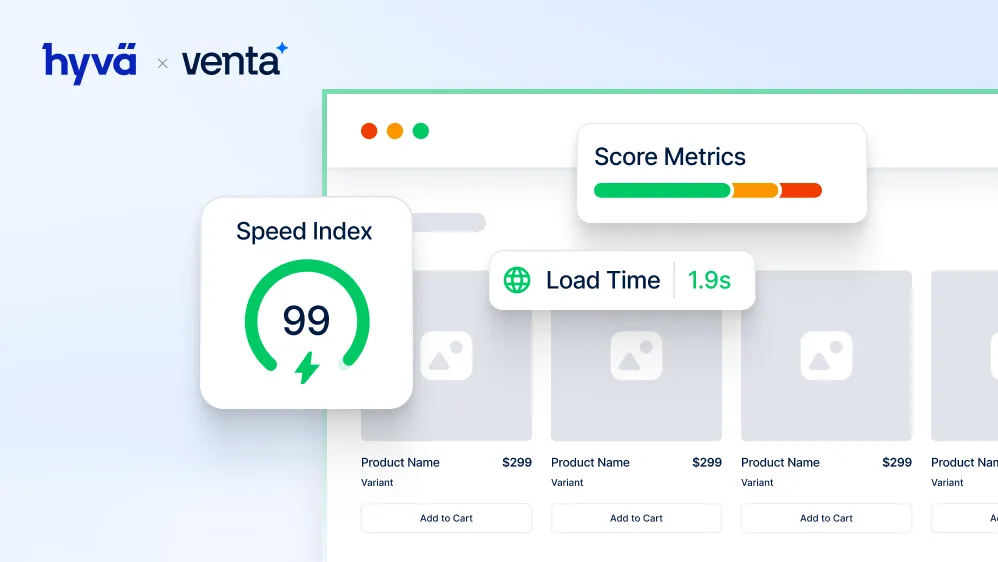
To go even further with Hyvä, Magebit created Venta Theme, our own Hyvä-based accelerator theme. Venta lives at the intersection of performance, best practice UX, and fast time to market.
What is Venta Theme
Venta is a Magento 2 theme built on top of the latest Hyvä version. It keeps everything developers love about Hyvä and adds:
- A complete, ready-to-launch visual design system
- Improved catalog navigation and filters
- Advanced search and mini cart experience
- Numerous UX and CRO enhancements across the entire storefront
Venta is also the first and only Adobe-accredited rapid deployment solution that uses Hyvä as its frontend. That means Adobe has reviewed and approved it as a high-quality, fast-launch option for Adobe Commerce projects.
Key improvements in Venta
Some of the upgrades Venta brings on top of standard Hyvä:
- Design and UX
- Fully styled, modern, and consistent pages from home to checkout
- Detail-level styling for buttons, forms, error state, and micro interactions
- Layouts inspired by leading UX research and best practices
- Filters and navigation
- Enhanced layered navigation with clear, usable filters
- Configurable mega menu and header structure
- Category pages tuned for both discovery and speed
- Search and cart
- Smarter type-ahead search experience
- Rich mini cart with smooth interactions and clear actions
- Reduced friction between “add to cart” and checkout
- Checkout and extras
- Optimized checkout flow on top of Hyvä capabilities
- Improved product image galleries and PDP details
- Many small quality of life improvements that developers appreciate, but do not have to build from scratch
Why this matters for merchants and developers
For merchants:
- Faster launch of a modern Hyvä storefront
- Lower risk due to a battle-tested starting point
- Strong performance and UX from day one
For developers:
- A clean, Hyvä-aligned base to extend
- Fewer low-level UI tasks, more focus on business-specific features
- A consistent structure that matches Hyvä best practices
If you want to see Venta in action, you can explore the public demo environment and get a feel for how it behaves in real browsing flows.
Useful Links
Here are some resources to help you go deeper or start preparing for the exam:
- Hyvä Certification Program (Associate and Professional)
Hyvä certification overview and registration:
https://www.hyva.io/hyva-certification.html - Professional Developer Exam Overview (PDF)
Official guide with practice questions and topics:
https://drive.google.com/file/d/1NiWQOYQhxI6WZk6KzlY0toy7fA1FMHNq/view - Associate Developer Exam Overview (PDF)
Official guide with practice questions and topics:
https://drive.google.com/file/d/13oCYdvsaqwXvpj0yLtnT5WCJ7_csA1B5/view - Professional Developer Certification: Hyvä Docs
Official documentation for the Professional exam:
https://docs.hyva.io/hyva-themes/certification/professional-developer-certification.html - Associate Developer Certification: Hyvä Docs
Certification details plus link to the Associate exam guide:
https://docs.hyva.io/hyva-themes/certification/associate-developer-certification.html - Hyvä Developer Documentation Home
Starting point for all Hyvä themes, checkout, and UI docs:
https://docs.hyva.io/ - Hyvä Compatibility Modules Overview
Details on how compatibility modules work and when you need them:
https://docs.hyva.io/hyva-themes/compatibility-modules/ - Hyvä Slack Community info
How to join and what channels are available:
https://www.hyva.io/contact/ (look for Slack community information) - Webassessor entry point for Hyvä exams
Where you schedule and take the online exam:
https://webassessor.com/HYVA - Venta Theme info and demo
Venta product and background information: Magebit website
Live demo store: https://demo.ventatheme.com/


Free tips to grow your store
eCommerce related news
New articles every month
Macaroni and cheese recipes
Check your inbox for tips.