Website
Usually one per brand or market, with its own domain, customers, payment and shipping, base currency and prices.
Run several brands, countries and languages from one Magento installation, with one admin, one codebase and shared data where it helps.

Adobe Commerce gold partner
#1 Adobe Commerce partner worldwide

Hyvä Platinum Partner
40+ projects delivered


ISO certification
9001 & 27001

Most certified Hyvä agency worldwide
200+ Adobe Commerce Certifications

Award-winning agency
3× eCommerce excellence award








One installation runs many storefronts from one admin and one codebase, deciding store by store what’s shared and what’s separate.
Usually one per brand or market, with its own domain, customers, payment and shipping, base currency and prices.
Sits inside a website and sets which catalog is shown, through its root category.
Sets the language, display currency, locale and theme. Three languages means three store views.
That mix is what makes multi-store powerful, and why the first design decisions matter so much.

Shared
One product catalog across the installation.
Can be separated
Which products each website sells, and their names, descriptions and prices per scope.
Shared
Customer accounts can be shared globally.
Can be separated
Or kept separate per website, so each brand has its own customers.
Shared
One inventory system for the whole installation.
Can be separated
Stock sources assigned per website, so each market sells from its own warehouses.
Shared
One checkout engine for every store.
Can be separated
Payment and shipping methods per website, so each market sees what it expects.
Shared
One admin for everything.
Can be separated
Admin roles limited to specific websites, so a brand team only sees its own store.
Shared
One codebase and one release for every store.
Can be separated
Themes and settings per website or store view.
Every setting and attribute has a scope. Choosing it early saves rework, because changing it once stores hold data is slow and risky.
The same value everywhere, across every website and store view.
Can differ per website. Where prices, currencies and payment methods usually sit.
Can differ per store view. Where names, descriptions and translations live.
One installation suits most groups of related stores, but not all of them.
Your brands or markets share products, customers or stock
One team runs every store and ships fixes once
Stores differ in language, currency, pricing and design
You want one upgrade and one codebase to secure
The businesses need conflicting checkouts or integrations
Different teams need to release on their own schedules
Data has to be kept apart for legal or contractual reasons
One store is big enough to dominate indexing
Every store view adds indexing work, because product data is indexed for each one. On a large catalog, that’s planned for.
So product saves and imports never wait on a full reindex.
Fewer store view values means less to index.
A change in one store doesn’t clear pages in all of them.
The same structure handles each of these, set up differently for brands, languages and markets.

Each brand gets its own website, domain, theme and catalog, with products and stock shared.

One store view per language, with translated product content, categories and interface text.

Each website sets its own base currency, and each store view can display prices in others.

Content comes in from your translators or tools in bulk, rather than being typed into the admin.

Rules and rates per region, with prices shown with or without tax as each market expects.

A domain, subdomain or path such as /de/ per store view, with hreflang added as part of the build.

The URL choice affects search visibility, so it’s decided early, and Magento doesn’t add hreflang on its own.
Sell to consumers and trade buyers from the same catalog.
With its own prices, payment terms and checkout.
So the two stores never drift apart.
Company accounts, shared catalogs and quotes on top.
One installation means one upgrade instead of several, one codebase to secure, and features that reach every store at once.
Without duplicates.
So search traffic follows the move.
To a single platform.
While they keep trading.
We run every multi-store build through FLOW, our delivery framework: Frame, Lay groundwork, Output, Win.
The structure is decided before anything is built
Brands, markets and languages are mapped onto Magento’s structure, so every later decision has a home.
 Websites, stores and store viewsShared or separateCatalog and pricing design
 Discovery & planning
Websites
3 websites
Stores
4 stores
Store views
9 store views

Clarity
of next steps

Reduced
risks

Time
efficiency
URLs, search and environments ready first
The parts that are hardest to change later are settled before the build starts.
Domains or paths per store viewHreflang planned from the startStaging for every store
2.4.7
The store runs, verified and empty. Data lands next
Environments
LocalDevStagingExtensions
Shared code, brand by brand
Common logic is written once, and each brand gets its own look on top of it.
Shared modulesThemes per brand or marketSettings per scope
Your Store
Data & functionality
SubscriptionsrebuiltB2B pricing tiersrebuiltERP syncconnectedProducts · 12,480importedStores launch one at a time, then you own it
Going live in phases keeps risk low, and the handover means your team can add the next store.
Launch in phasesWatched after go-liveDocumented structureGO
4 of 4
Checks passed
UAT signed offDry run cleanChecklist completeTeam on callAfter launch
Hypercare, then SLA
Standing by
Rollback plan
One installation, many storefronts.









Bob Toeppner
E-commerce Manager


There is no challenge for which they can't find a solution.

Will Aubuchon
CEO

Magebit rebuilt our B2B platform from the ground up and made the whole process painless. Our customers love the new site.

Robin Pedro
Executive VP, S&S Truck Parts

Within just two to three months, they resolved issues that previously seemed unresolvable.

Tim Johnson
CTO
Magebit brings Magento expertise to businesses in every country. From Perth, Melbourne and Sydney to London, Dubai, New York, Los Angeles, Charlotte and Florida, we’re ready to help wherever you are.

The top-ranked Adobe Commerce agency on the planet by Adobe themselves.




The most certified Hyvä agency in the world. Confirmed by Hyvä themselves, twice.
Explore Hyvä development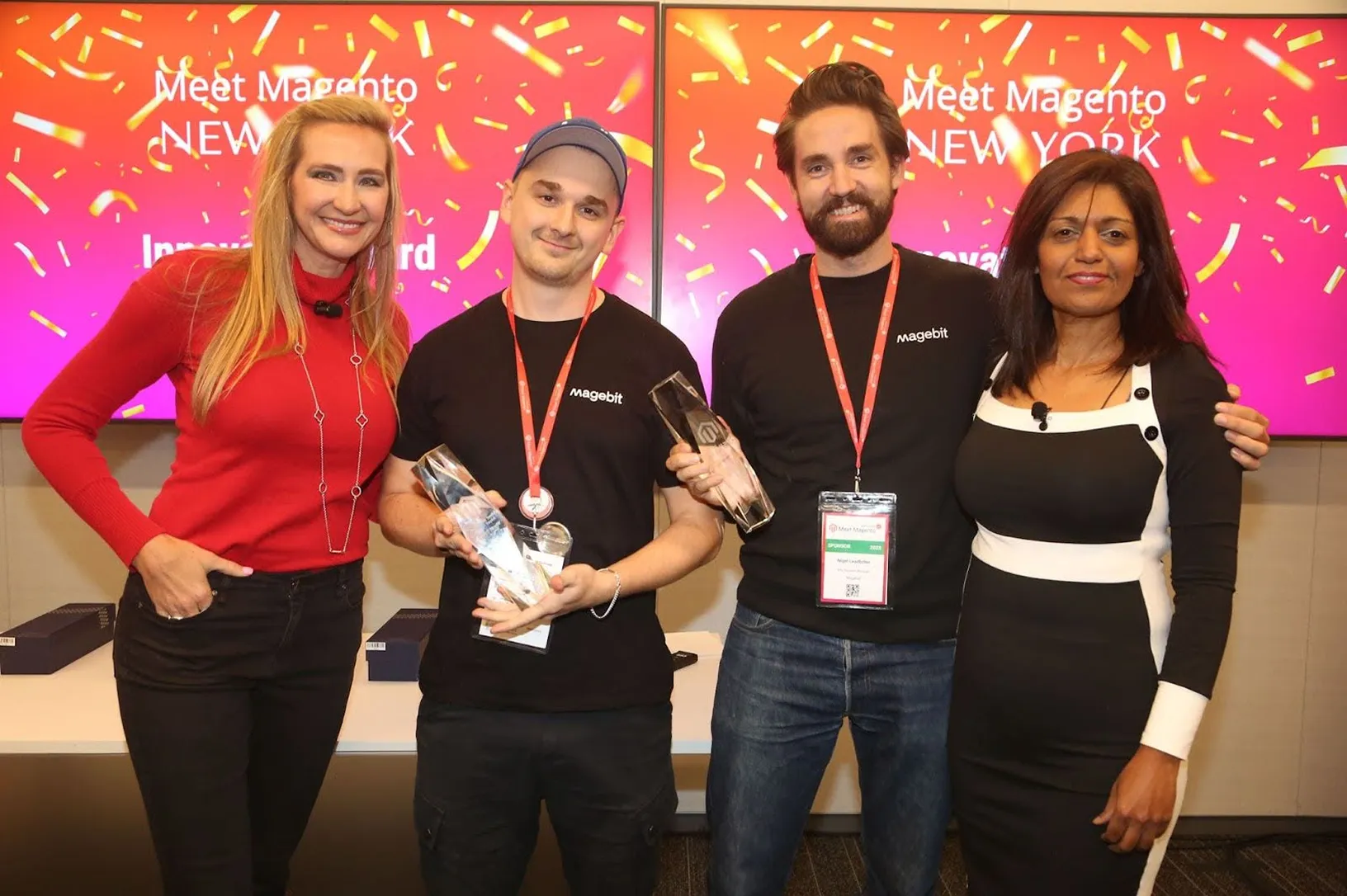
Innovator, World Traveler, and eCommerce Excellence awards across Meet Magento NYC and HIVE London, and more.

The most-certified Hyvä agency worldwide and the first Hyvä Platinum Partner in the USA. 55+ Hyvä certifications and 40+ projects delivered.

ISO 9001 & 27001 for quality and security.

Truly agile team that moves and adapts faster than your typical agency.

UX grounded in large-scale ecommerce research.
Most multi-store questions come down to what your stores share and who runs them. Tell me how many brands, countries and languages you need, and I’ll tell you whether one installation is the right choice.
Reviewed by Kristaps Rjabovs
Co-founder of Magebit, Forbes 30 Under 30

If you can’t find the answer you’re looking for, feel free to reach out to us. We’re here to help.
A website is the top level, usually one per brand or market, with its own domain, customers and payment settings. A store sits inside a website and sets which catalog is shown. A store view sits inside a store and sets the language, currency display and theme.
In the admin, go to Stores, then All Stores, and choose Create Store View. Select the store it belongs to, give it a name and a unique code, set its status, and save. Then set its language under the store view scope in the configuration.
Yes. Each website can run on its own domain, and store views can use their own domains, subdomains or paths.
Yes, if you choose. Customer accounts can be shared across all websites or kept separate, and stock can be shared or assigned per website.
There’s no fixed limit. The practical limits are indexing time, admin complexity and how different the stores are, which is why we design the structure before building.
Yes. Each website or store view can use its own theme, or a child theme that shares a common base, so brands look different while sharing the same code.
Yes. Set prices to website scope, and each website can have its own prices and base currency.
Yes. Admin roles can be restricted to specific websites, so a brand team only sees and edits its own store.
Multi-store when your stores share products, customers or a team. Separate installations when they work in fundamentally different ways, release independently, or must keep data apart.
Explore the Magento services Magebit has to offer.
Tell us how many brands, countries and languages you need to run. We’ll map them onto Magento’s structure.
Your goals, your stores and what’s in the way.
An honest recommendation, free of charge.
The plan, the team and the price, agreed first.
We use cookies to understand visits, show relevant ads and play videos. You choose what to allow.